



Your AI assistant, now with an account it can run.
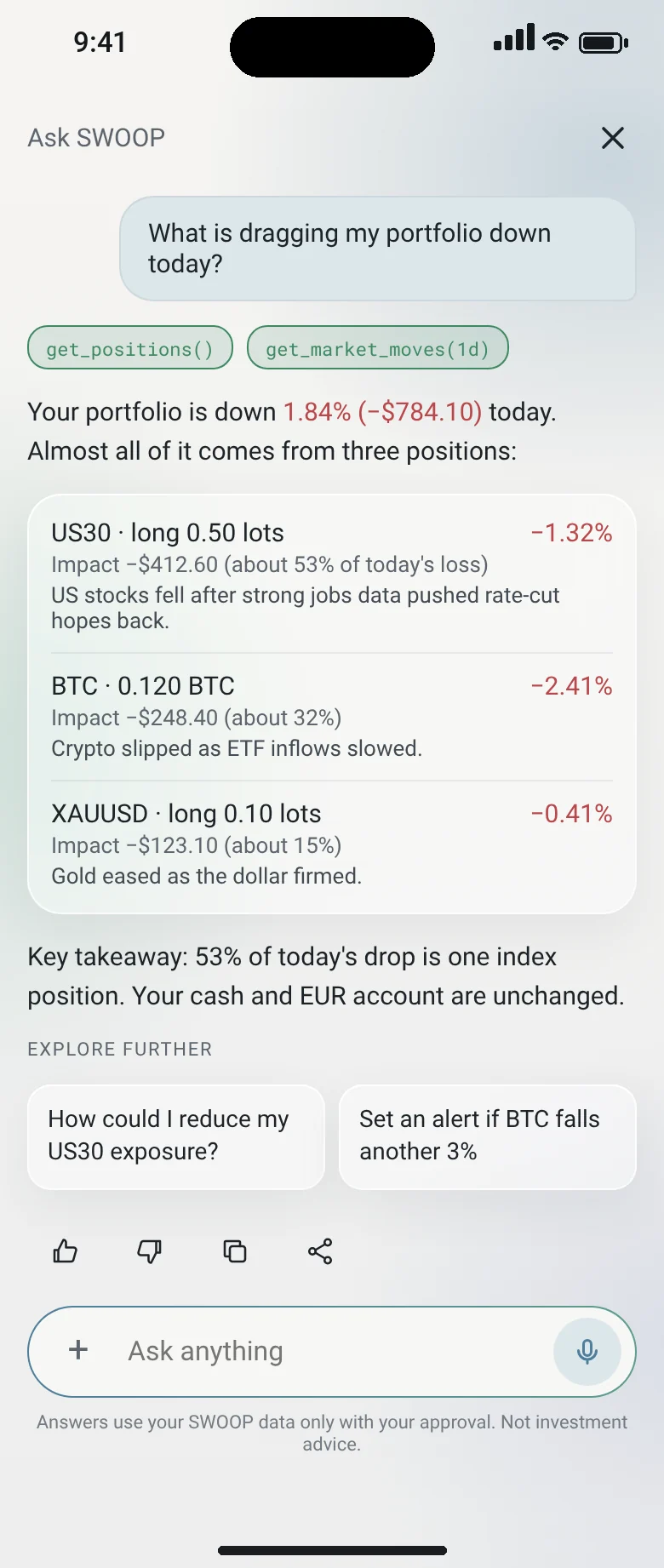
SWOOP runs an MCP server, the open standard that lets AI assistants call real tools. Connect Claude, ChatGPT, Gemini, Cursor, VS Code, Windsurf or your own agent, with the same guardrails as the app.
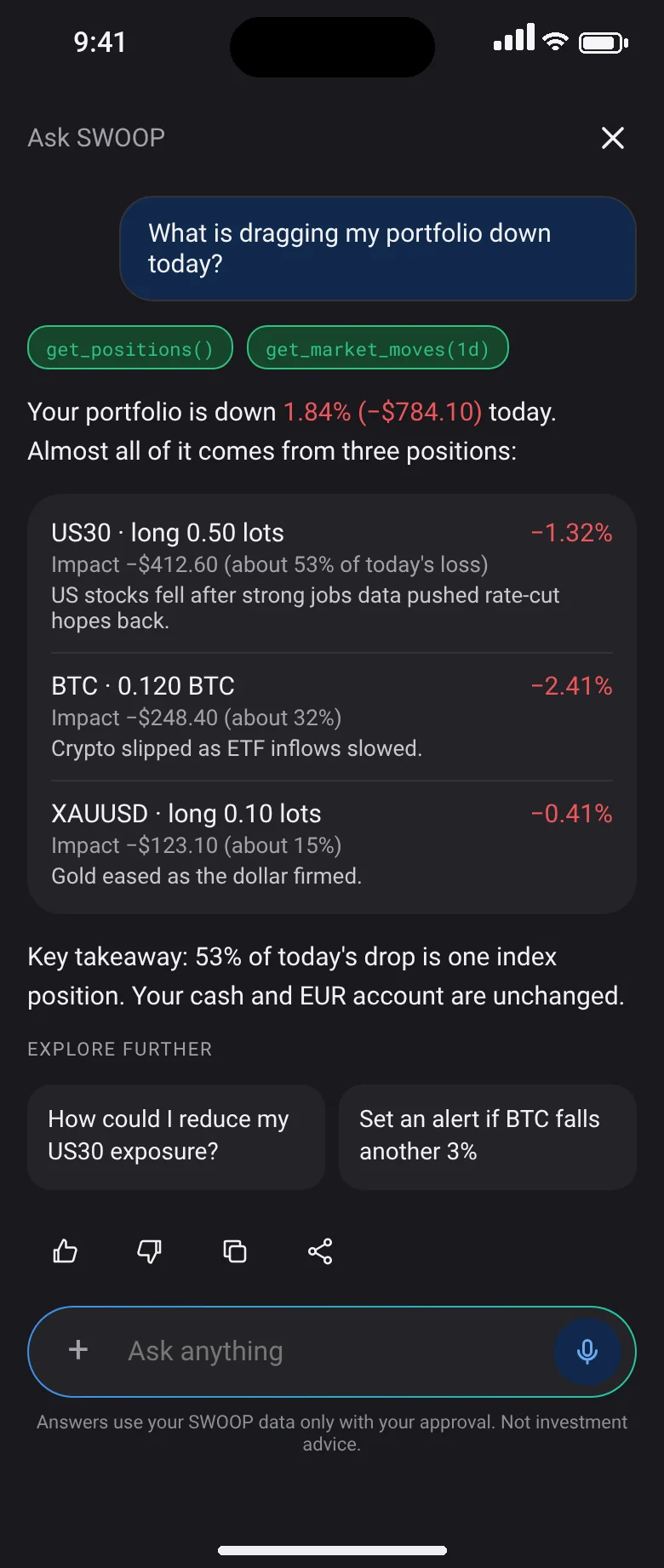
“Buy 0.1 lots of XAU/USD, stop at 2,300.”
You ask your assistant
In Claude, ChatGPT, Gemini or any MCP client.
SWOOP authenticates
Checks the session and what this assistant may do.
Order echoed back
Exact instrument, size, stop and margin.
You approve
Push notification or Face ID on your phone.
Routed to the engine
The same engine that powers the SWOOP app.
Filled and logged
Confirmation in chat, audit trail and journal.
What a connected agent can do.
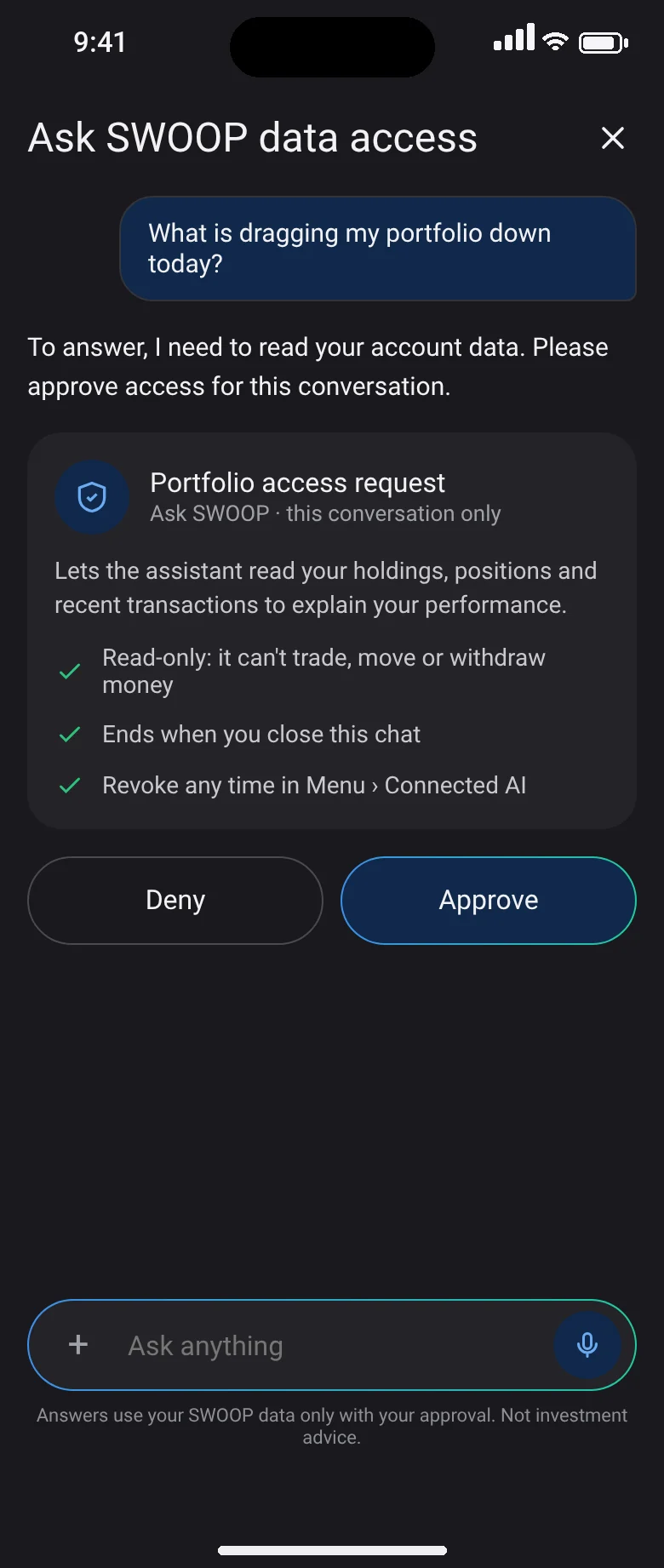
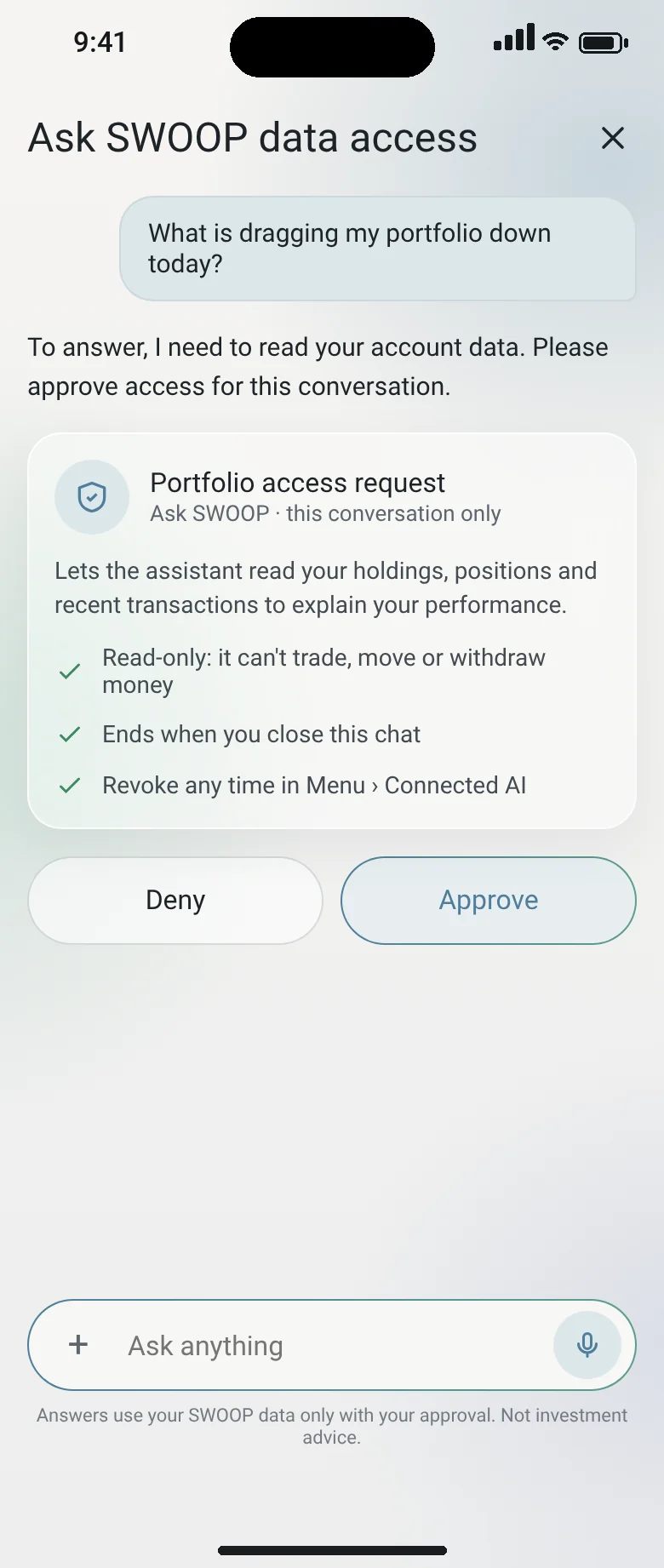
Read tools are on when you connect. Action tools need a separate opt-in per assistant, and every call waits for your approval.
| MCP tool | What it does | Permission |
|---|---|---|
| get_balances / get_profile | Reads balances, equity, margin level and your profile | Read-only |
| get_card / list_cards / list_card_transactions | Reads your cards, limits and recent spending | Read-only |
| get_otc_pairs / get_otc_quote | Lists pairs and returns a firm OTC quote | Read-only |
| get_deposit_address | Returns a deposit address for a token and network | Read-only |
| list_referrals / list_referral_commissions | Reads your referrals and commissions | Read-only |
| create_otc_order | Accepts a quote and executes a conversion | Action · confirmed |
| issue_card / freeze_card / unfreeze_card / topup_card | Issues, freezes or funds a card | Action · confirmed |
| withdraw / withdraw_card | Sends funds to a whitelisted address or saved bank | Action · confirmed |
| place_order / set_stop_loss / set_take_profit | Opens a position or edits SL/TP | Action · confirmed |
| close_position / close_all | Closes one position or flattens the account | Action · confirmed |
| get_intent / cancel_intent | Checks or cancels an action waiting for your approval | Control |

Add SWOOP to the AI you already use.
Paste the SWOOP MCP address into your assistant’s connectors, sign in with SWOOP and 2FA, start read-only, and set daily caps and approval thresholds.
What is MCP?
The Model Context Protocol is an open standard that lets AI assistants call external tools and data securely.
Can an AI move my money without me?
No. Action tools are off until you turn them on for a specific assistant, and each action needs your push or Face ID approval.
What if I stop trusting an assistant?
Revoke it in Connected AI. Access ends immediately and the audit log keeps everything it did.
Same balance, next product.
Give your agent an account worth running.
The private beta opens in stages by region. Join the list and we’ll tell you when your agent can start moving money.