
Log in Join the beta
SWOOP Card · Mastercard

Spend fiat or crypto. Control it by talking.

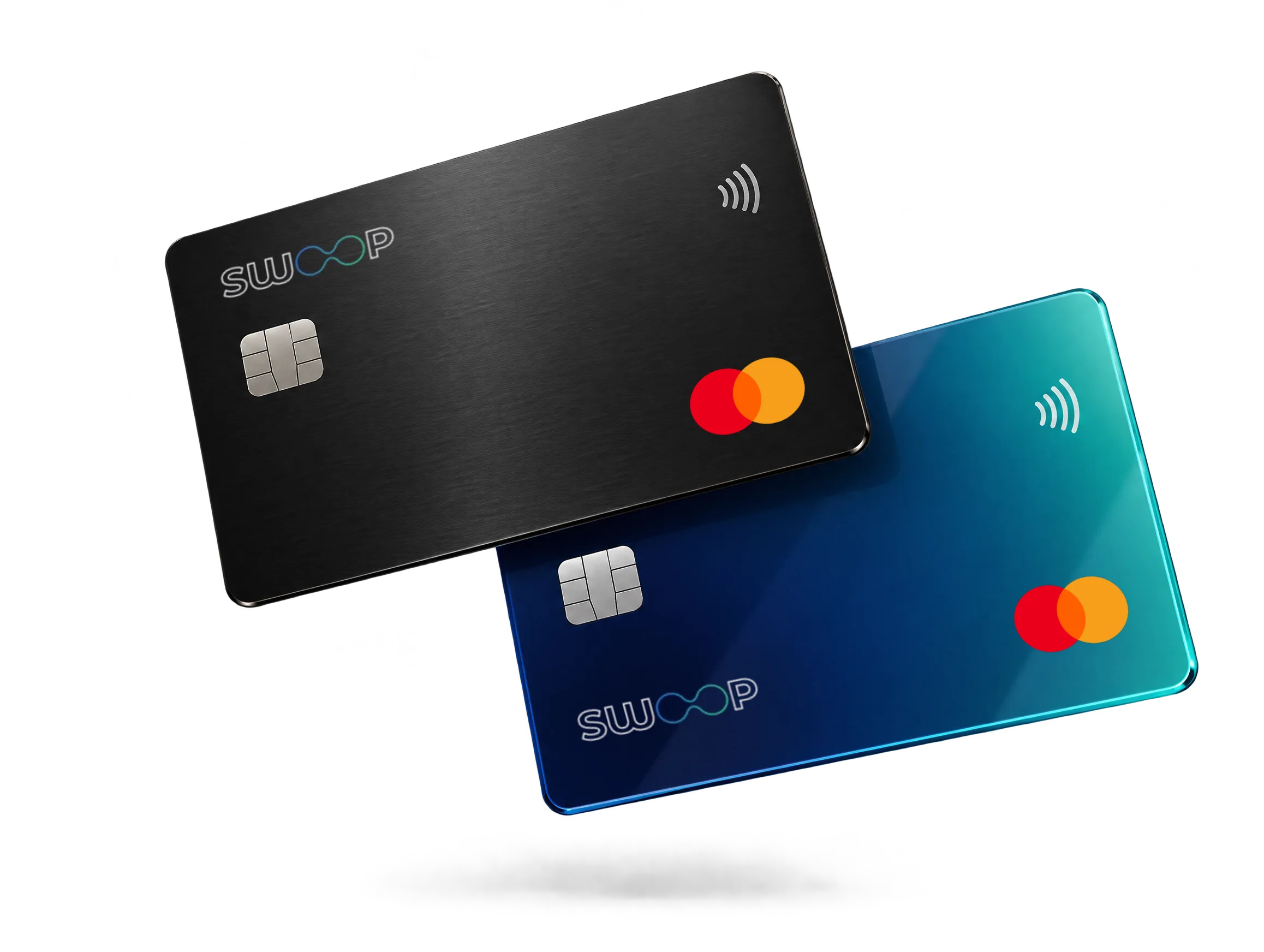
Virtual and physical SWOOP Mastercards spend straight from your fiat or crypto balance, with Apple Pay and Google Pay. Ask your agent to freeze a card, raise a limit or issue a fresh virtual card mid-conversation.

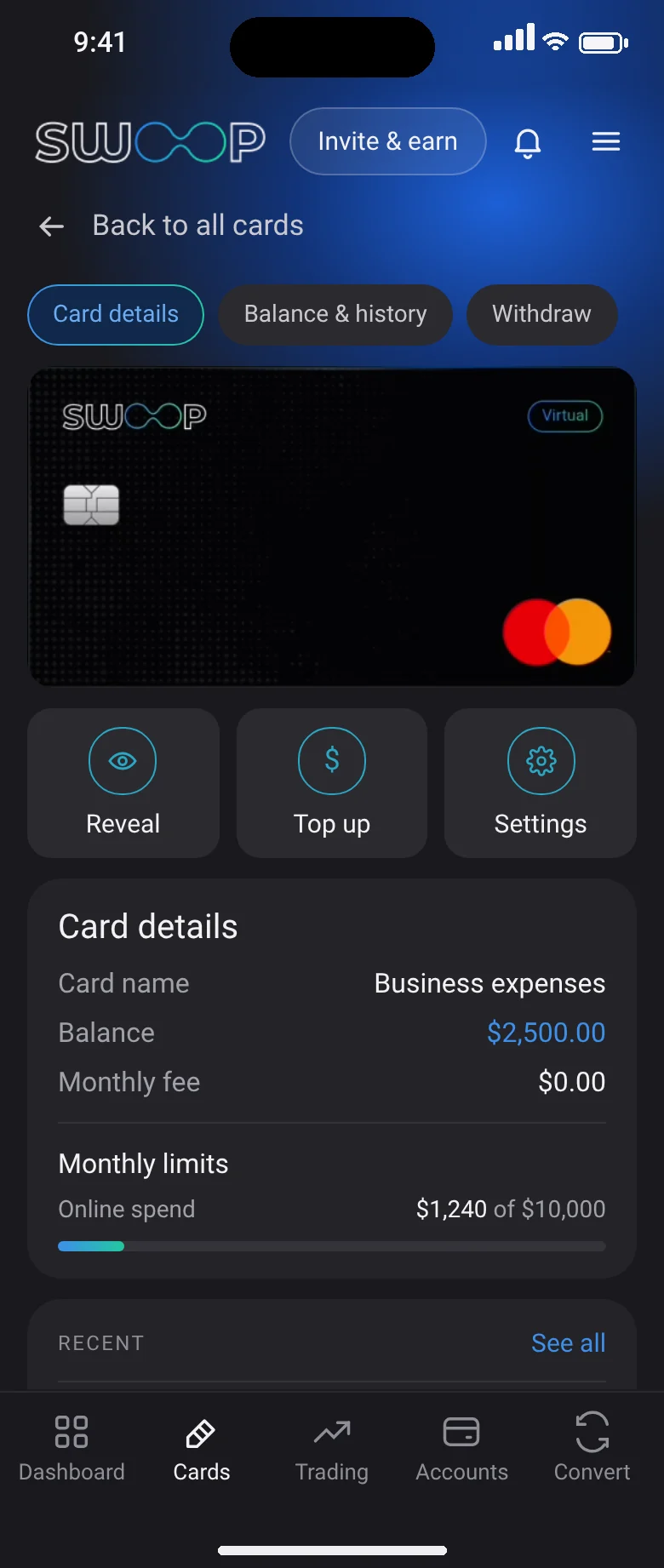
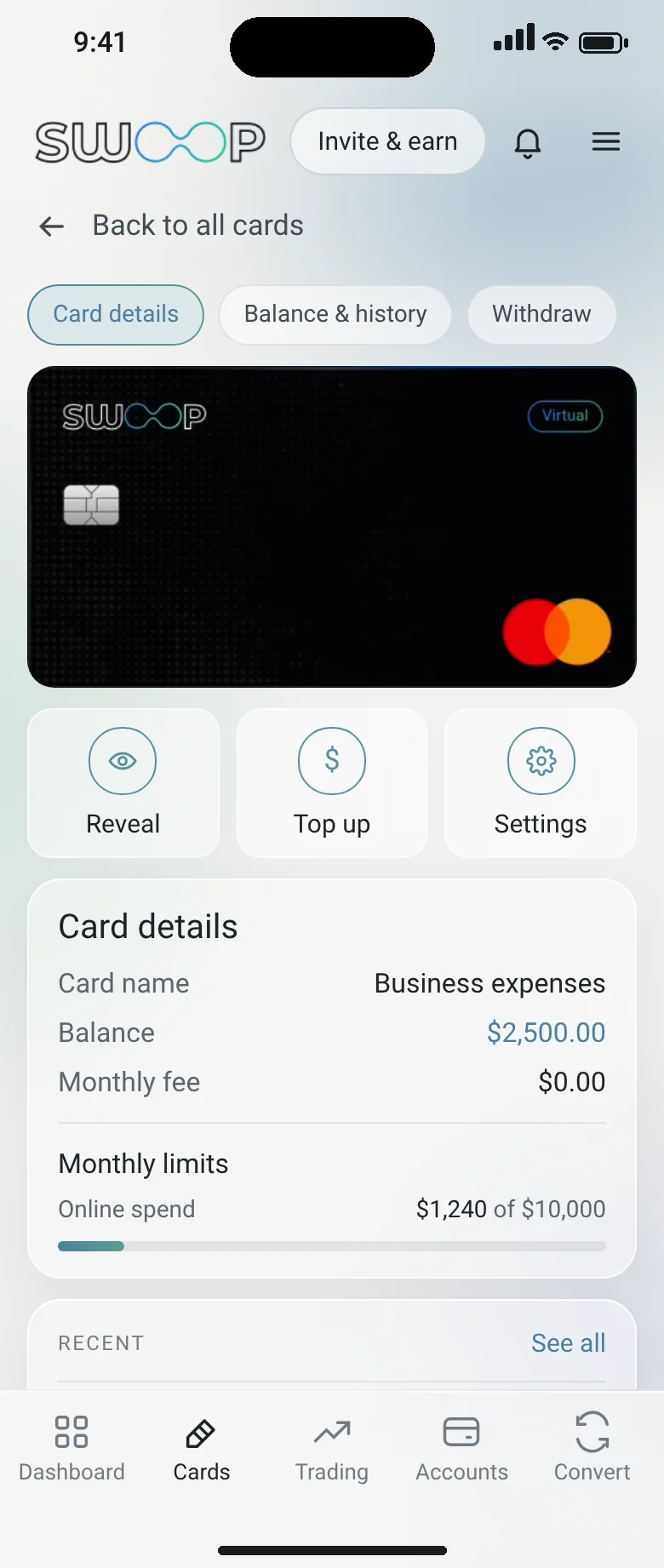
Card detail, SWOOP app dark themeCard detail, SWOOP app light theme
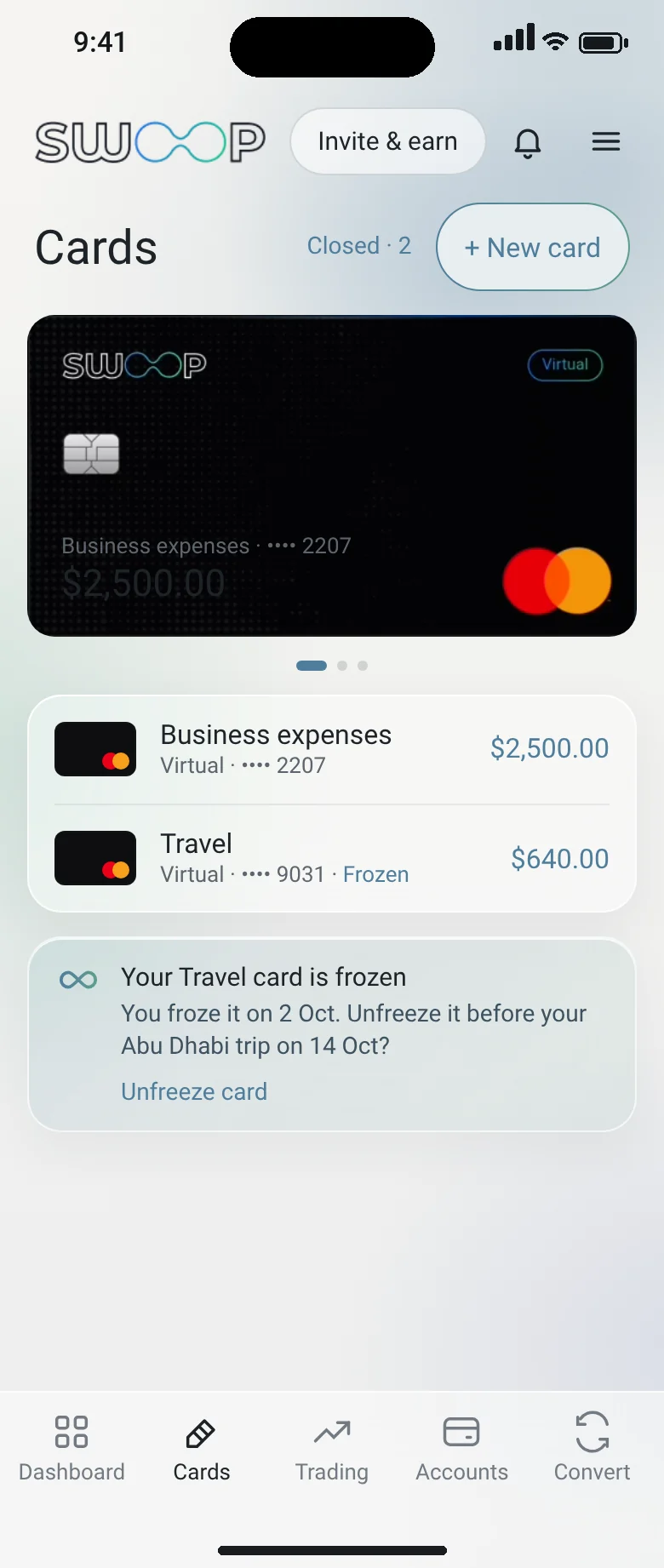
My cards, SWOOP app dark themeMy cards, SWOOP app light theme
Instant virtual card issuanceLive FX at checkoutApple Pay & Google Pay5 years of statements for closed cards
Say it, don’t tap it

Your card, one sentence away.

Freeze my travel card until I land on the 14th.freeze_card(Travel)Frozen. I’ll remind you to unfreeze it on the 14th.
Make me a virtual card for subscriptions with a $60 monthly limit.issue_card(virtual) · set_limits($60/mo)Issued and ready for Apple Pay.
Top up my business card with 500 USDT.topup_card(Business, 500 USDT)Converted at the live rate and credited.
How it works

Every card control, on one screen.

Every card control, on one screen., SWOOP app dark themeEvery card control, on one screen., SWOOP app light theme
01

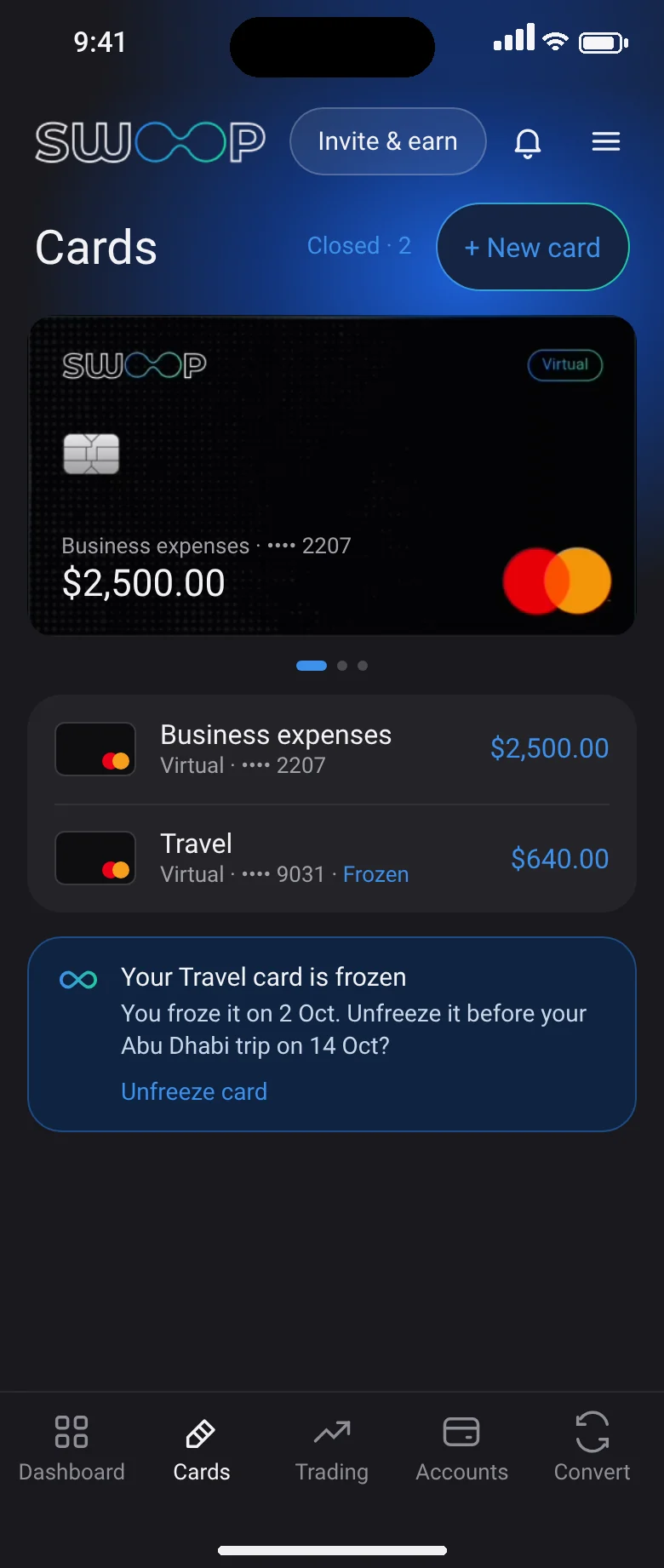
All your cards, and their status

Separate cards for business, travel or subscriptions, each with its own balance. A frozen card shows a one-tap Unfreeze.

  • + New card in a couple of taps
  • Closed cards one tap away
All your cards, and their status, SWOOP app dark themeAll your cards, and their status, SWOOP app light theme
02

Reveal, top up, freeze, withdraw

No call to support. Change the name, monthly and per-transaction limits whenever you like.

  • Global and e-commerce limits you control
  • Recent transactions with merchant and FX rate
Reveal, top up, freeze, withdraw, SWOOP app dark themeReveal, top up, freeze, withdraw, SWOOP app light theme
03

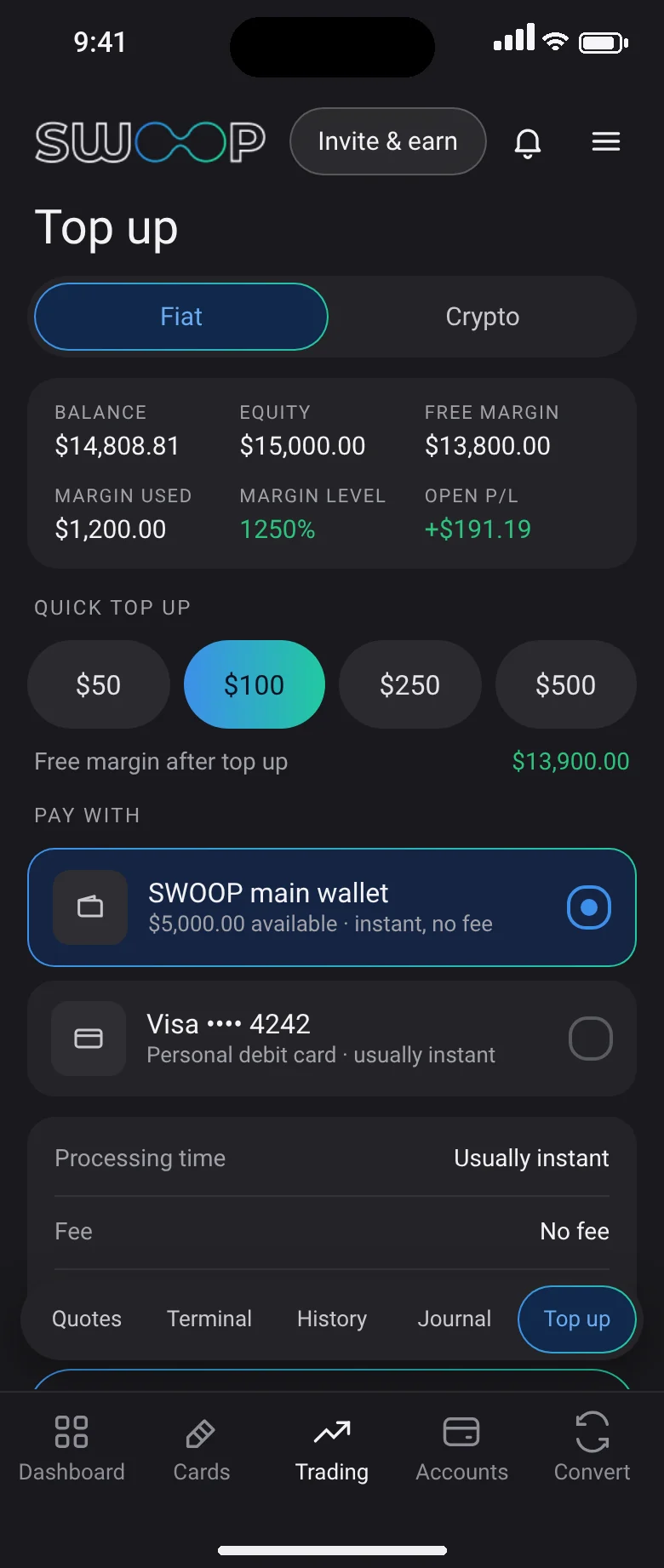
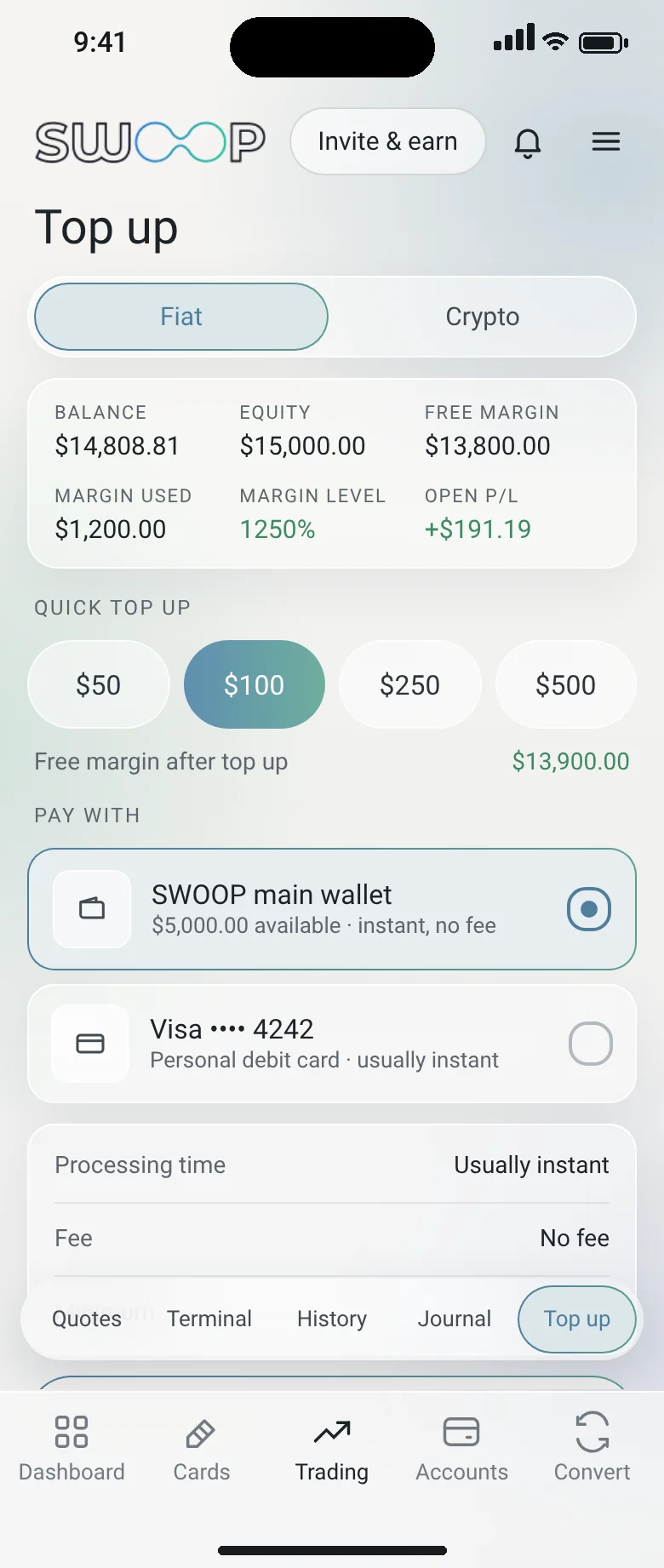
Top up from any balance

Fund a card from your main wallet, crypto wallet or a linked debit card, with the amount that lands shown first.

  • Quick amounts
  • Fiat or crypto, same flow
Top up from any balance, SWOOP app dark themeTop up from any balance, SWOOP app light theme
04

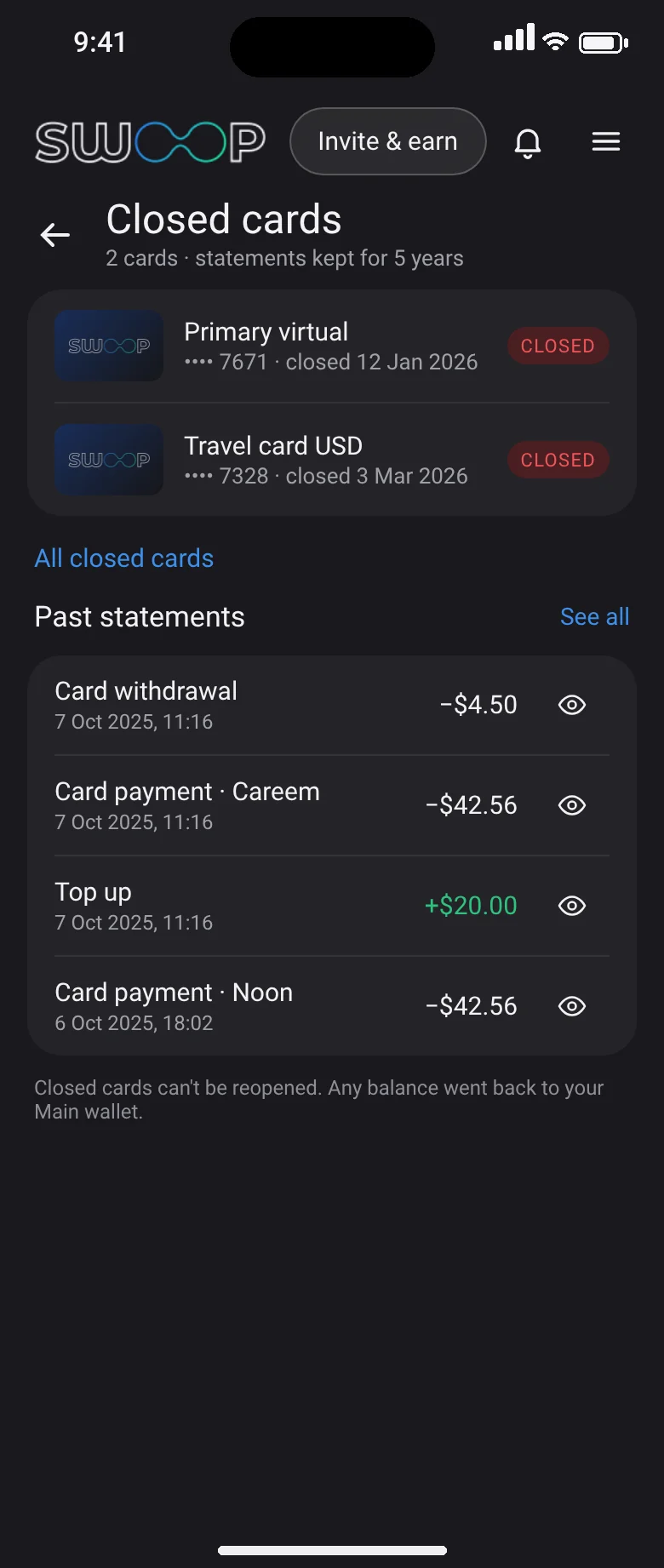
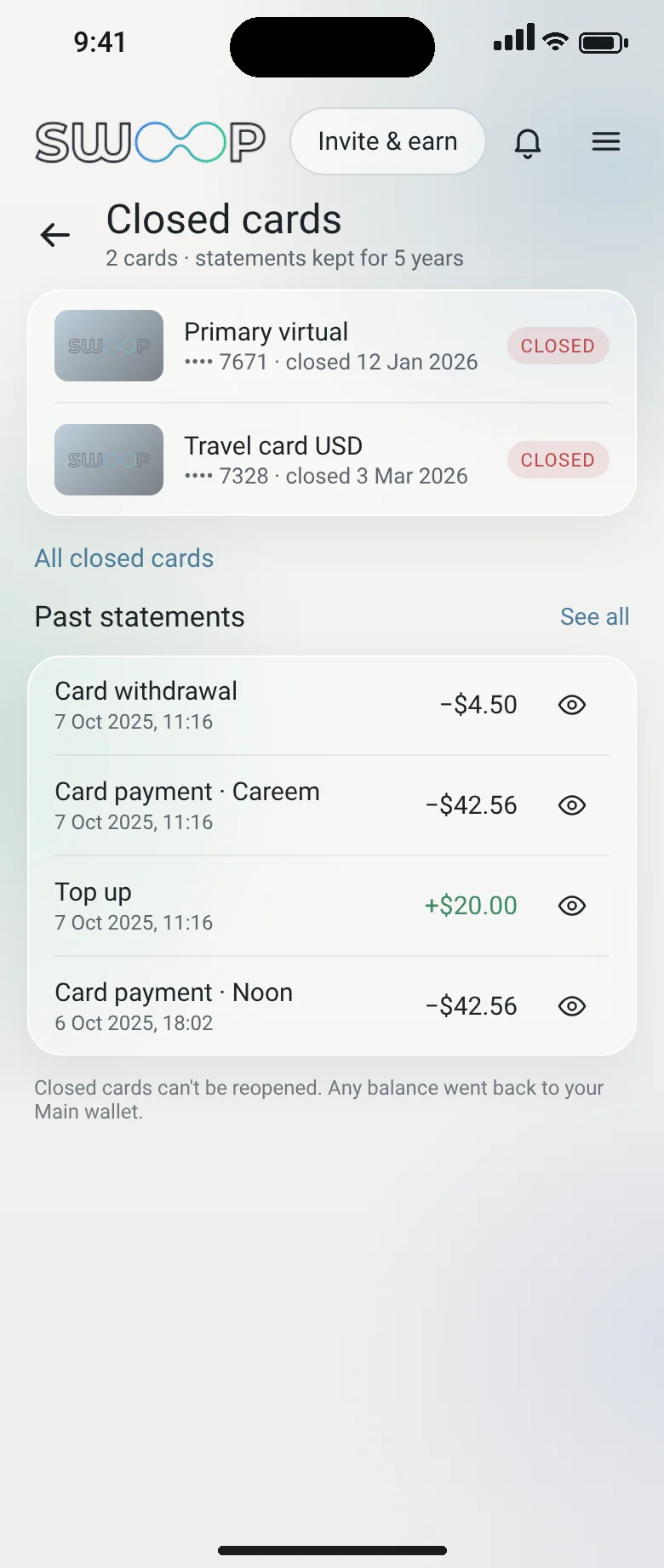
Close a card. Keep its history.

Closed cards and their monthly statements stay available for five years, for expense reports and visa applications.

  • PDF and CSV for any month
  • Reason and closing date kept on record
Close a card. Keep its history., SWOOP app dark themeClose a card. Keep its history., SWOOP app light theme
FAQ

Questions, answered

Still unsure? Ask SWOOP in the app, or write to info@swoop.global.

Is the SWOOP Card a debit or credit card?

It’s a debit Mastercard. You spend money you hold in SWOOP, in fiat or crypto, so there’s no credit line or interest.

Can I have more than one card?

Yes. Create separate virtual cards for travel, business or subscriptions, each with its own name, balance and limits.

What happens if my card is declined?

Ask SWOOP. The agent checks the reason, for example an e-commerce limit, and offers to raise it or top up. Nothing changes until you approve.

How do I close a card?

Terminate it in Card settings. It moves to Closed cards and its statements remain available for five years.

Private beta

Give your agent an account worth running.

The private beta opens in stages by region. Join the list and we’ll tell you when your agent can start moving money.

No card required. We’ll email you when your region opens.